Literally
Most would agree that “A picture is worth a thousand words.” Perhaps strangely, allow me to make the case that sometimes there is also value in distilling those thousand words into a scant few. This little post is a bit of practical sharing meant to point to two things: a cute little iOS application, and a few quick examples of its practical use. Oh, and really, I wouldn’t be doing it here if it wasn’t worth at least a handful of words as well.

Once upon a time, I enjoyed doing the occasional “check out this fancy new tool” post, particularly for the local folks with whom I work. Looking back, it seems that most of those posts were logged within my first year of writing here. Though today it has become far easier to point to shiny tools using the quick and dirty practicality of Twitter, this one seemed fun enough to bring back into this space.
We all have our own modes of sharing, and while I’m as proud of an original podcast or video as anyone, it seems I have a preference for words in print. I share a pretty respectable percentage of the things I create in one way or another. And as likely most of us do, we tend to share those things in which we see value, and also those that we anticipate others might find valuable as well. In thinking about it, for whatever reason, I tend to be more confident in sharing carefully-selected words. I guess I enjoy lining up words that altogether either communicate or sell an idea I am grappling with, or believe in a great deal.
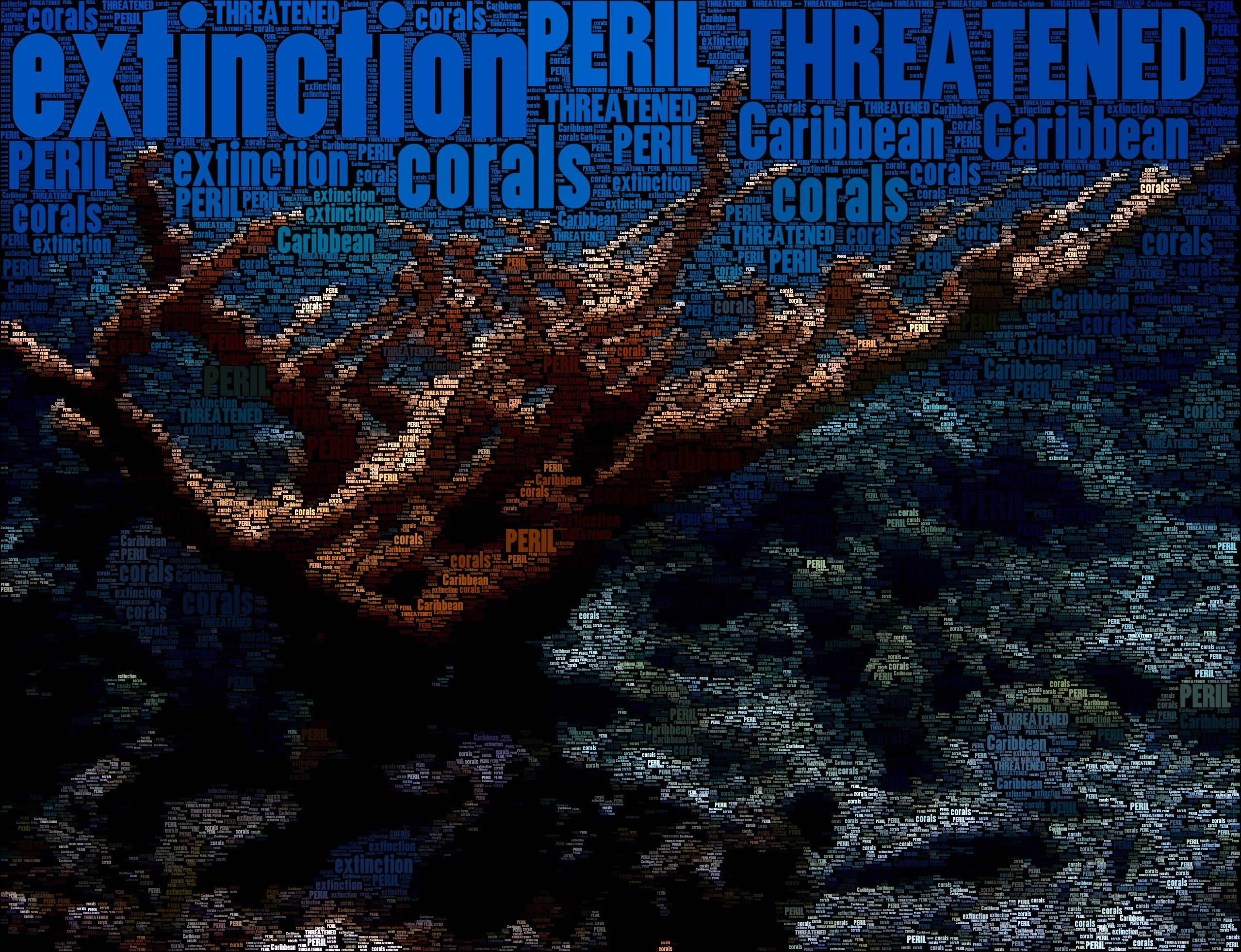
If you’ve been here before, you might also know that I dig photography as well. I think this goes hand in hand with being a biology teacher. Both images above were originally snapped on student field studies in the midst of the natural world we were learning about at the time. Adding a fascination with images into a love of words naturally equals an interest in all sorts of creative typography.
So what?
What does this nifty little $2 app get us? The people who might get mileage out of this one will likely see the value instantly. From a purely practical standpoint as an educator, if you only create one graphic that helps to communicate an idea, then the $2 is worth the outlay. WordFoto is not Photoshop. It is not Illustrator. It only does one thing, and it does so rather simply. If you can get your image of choice into an iOS device, you can manipulate it with ease. And though I’d like a little more control over contrast, etc., once you have a .jpg inside of a web-connected device, the sky is the limit in terms of sharing. What idea would you like to convey?

Inspired by a question Will Richardson asked SJSD administrators this past September: "How many dots are on your 'map'?" (click to embiggen)
Several folks I admire have led sessions where participants were invited to mashup powerful ideas and images. Both Punya Mishra and Dean Shareski often try to push educators to begin to think in multiple media simultaneously. In my opinion, these exercises are always valuable. Because this type of thinking is so different for many, it pushes us almost instantly into a more playful mindset. That sort of mindset can squeeze creativity out of those who think they haven’t had a creative thought in some time. That reality equals valuable time spent for all educators.

When playing around with WordFoto for the first time today over morning coffee, I was instantly reminded of these exercises. In trolling through a few images on my phone, I created the images displayed in this post, as well as those within this Flickr set. Technically, WordFoto reminds me a bit of another nifty $2 iOS app called Percolator. This app helps to create abstracted versions of images much like this one of a reef shark on our honeymoon. Here is the same image from WordFoto using only the work “SHARK.” The important difference in this app is that it actually uses words to accomplish the abstraction. And that, to me, is a potentially significant leap. From here, we can quickly and easily incorporate words and ideas into the very fabric of images. Sure, posting contrasting text over a powerful image will always be a cool thing. And yet, this app allows something novel and interesting. Like several other techniques, if done well, it can even be used to synthesize something beyond the mere images or words themselves.
In memorial
Appropriately for the day, the first image that stuck out to me while trolling through images on my phone was this one, taken at Arlington Cemetery while at ISTE 2009. The version below (particularly when seen at full resolution) helps to convey the sentiment on my mind this morning while comfortably sipping coffee and playing with fancy toys…
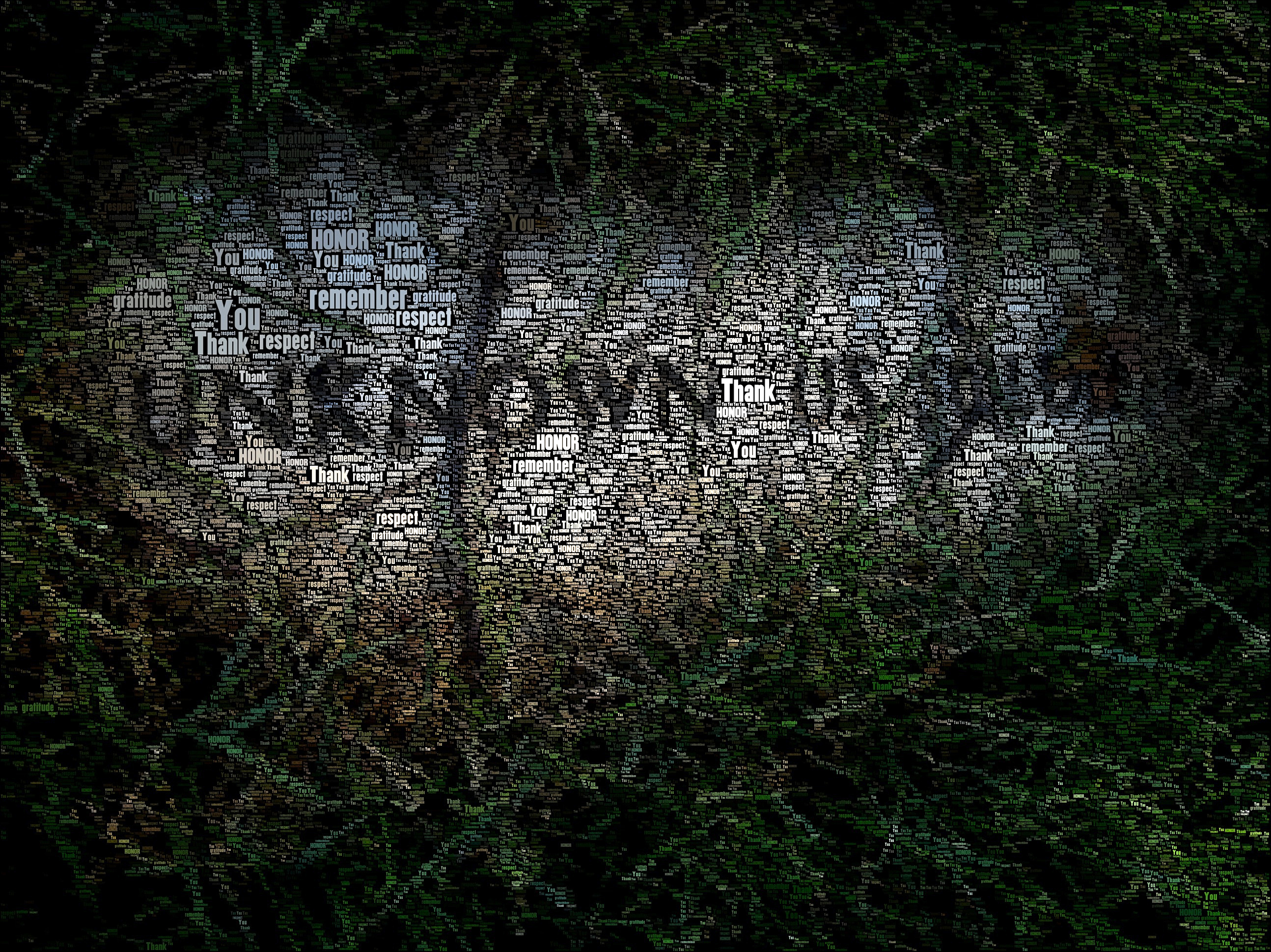
To sum things up, pictures are worth thousands of words. Sometimes, however, it might be valuable to distill a few of those words to the surface to make a point. We aren’t all graphic artists who can make Adobe’s Creative Suite sing. However, I also see value in quickly providing a scaffold for the rest of us to engage in the kind of visual thinking provided by simple, inexpensive apps. Perhaps this is one that could be a valuable gateway drug that gets more of us into the game. Care to play along?
.

Sean,
This looks very cool and like something I would want to play with. When I first started reading the post I was thinking, “Yep. There goes my demi-god. I’m still struggling with words in cyber-space and now he hints of graphic media.” 🙂
I totally agree, however, in the power of the art form to convey what words sometimes cannot do alone. Strikes a chord at the emotional level. Funny how this plays right into the reading I have been doing about 21st. century literacy.
This is a post I will refer back to and something I will place on my summer “learn to do” list. You push me, my friend!
Agreed. It is possible for this rather tiny little form of expression to be quite emotion-laden, isn’t it? I find that both very interesting and very cool, personally. If you mess around with this, please come back and post an image or two in the comments…
How funny that the person commenting prior to me is in the picture I chose to use when playing around with this app. You can find my handy work here:
http://goo.gl/8kxfT
The wheels are spinning in my head on how I could use this app in my own work. Thanks for explaining, my friend!
Ahhhhhh, yes… where some of our best learning takes place: Panera over coffee. I’ll always remember those breakfast session this year, and I certainly hope to continue them. Love the image. Thanks for playing!
Thanks for sharing your images and this nifty little app – I am very much a visual learner and this is a great tool for creating images for my blog. Love it!